
Jackson County VINELink Coverage
Ohio VINE keeps tabs on custody for you. The service sends alerts when an inmate's status shifts. The Ohio VINE service brochure lays out the basics. You can reach it by phone, through the web, or on a mobile app. County jails in the program push out notices for general release, transfer, escape, and death. State prisons run on a separate track through the Ohio Department of Rehabilitation and Correction. That side covers release, transfer, parole events, and other status changes the state reports.
Jackson County has a gap here. The sheriff's office pages never mention VINE. Nothing confirms a live feed from the Jackson County Correctional Facility. The statewide program counts county jails as a class. That says nothing about whether JCCF sends current booking data. A VINELink hit can still help. For a firm answer on county custody, call JCCF at 740-288-1338. Identify the person carefully.
Check a Jackson County Arrest
Begin with the official VINELink search interface. The screen changes over time. Fill in only the fields it shows right now. Run one person at a time, compare any identifying details the system returns, and never assume the first similar name is the right arrest record. Remember what the tool is for: custody tracking. It will not replace an arresting agency's report, a jail booking sheet, or the court docket.
- Open VINELink and select Ohio as the state or territory.
- Choose the available person-search option and enter the person's name or an identifier if one is known.
- Review possible matches. Compare the identity details that VINELink displays before opening a record.
- Read the facility and custody status shown, then note when the information was updated if the interface supplies a time.
- If no reliable match appears, contact JCCF rather than treating the empty search as a release notice.
Where does the paper trail live? The Jackson County recent arrests hub sorts that out by agency. JPD or another police department made the arrest. That agency holds the incident report. JCSO or JCCF keeps the booking and custody record. Municipal Court or Common Pleas Court picks up the case from there. Each office answers a different question. Each updates on its own schedule. The official VINELink interface appears below in its search view.
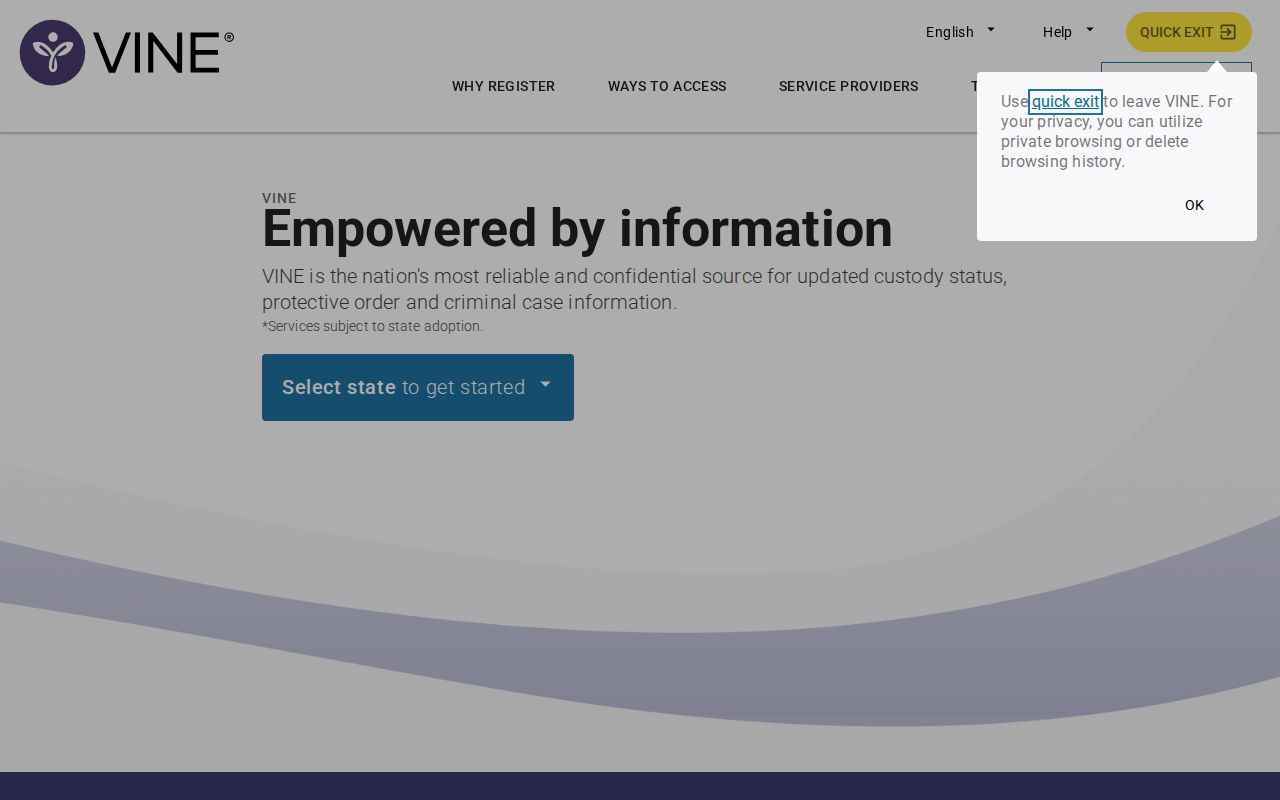
The blank screen is deliberate. It shows the proper starting point for an Ohio arrest search without exposing a real person's record.
Jackson County Custody Results
Read a result only for the fields it shows. No fixed Jackson County field list is published. Labels vary by the agency supplying the record. Official material supports a workflow built on identity, facility, custody status, and notification controls. The table below explains each result element worth inspecting when it appears. It also spells out the limit attached to each field.
| Result element | What it can establish |
|---|---|
| Name or identifier | Helps distinguish possible matches; compare all displayed details. |
| Custody status | Reports the status represented in the participating source's current data. |
| Facility | Shows the listed custody location, which may change after a transfer. |
| Event or update | May identify release, transfer, escape, death, or a state-system event when covered. |
| Notification option | Allows registration when a matching record and alert control are available. |
An arrest does not always mean a lodge at JCCF. Some people are cited and released. Others are held somewhere else entirely. A person sentenced to state prison leaves the county system. That person moves into ODRC custody. Federal prisoners belong in the federal locator instead. VINELink will not tell you the court's disposition, the final recorded outcome of a charge.
Register for Ohio Custody Alerts
Alert signup starts with a match. A matching custody record has to surface a notice option before anything else can happen. From there, the Ohio Attorney General's victim-notification page lays out every route: phone, email, text or SMS, and TTY. The VINE brochure prints two numbers worth keeping handy. The main line is 1-800-770-0192, and TTY callers use 1-866-847-1298. Registering by phone asks you to set a four-digit PIN, while email signup skips that step entirely.
- Confirm that the selected result belongs to the intended person.
- Select the registration or notification control attached to that record.
- Choose a method currently offered, such as phone, email, text, or TTY.
- For a phone registration, create a four-digit PIN and keep it in a secure place.
- Complete any confirmation step shown and keep the registration details for later changes.
VINE alerts can fail in simple ways. Automated calls hit voicemail or shared phones, and texts and emails arrive late, so keep your contact details current. Jackson County safety officials also warn that an alert service should never be the only safeguard where personal safety is at risk. Call 911 for a real emergency; JCSO's non-emergency number is 740-286-6464. To confirm an alert or reach the jail, the official JCSO contact page lists the sheriff, jail, and records routes.
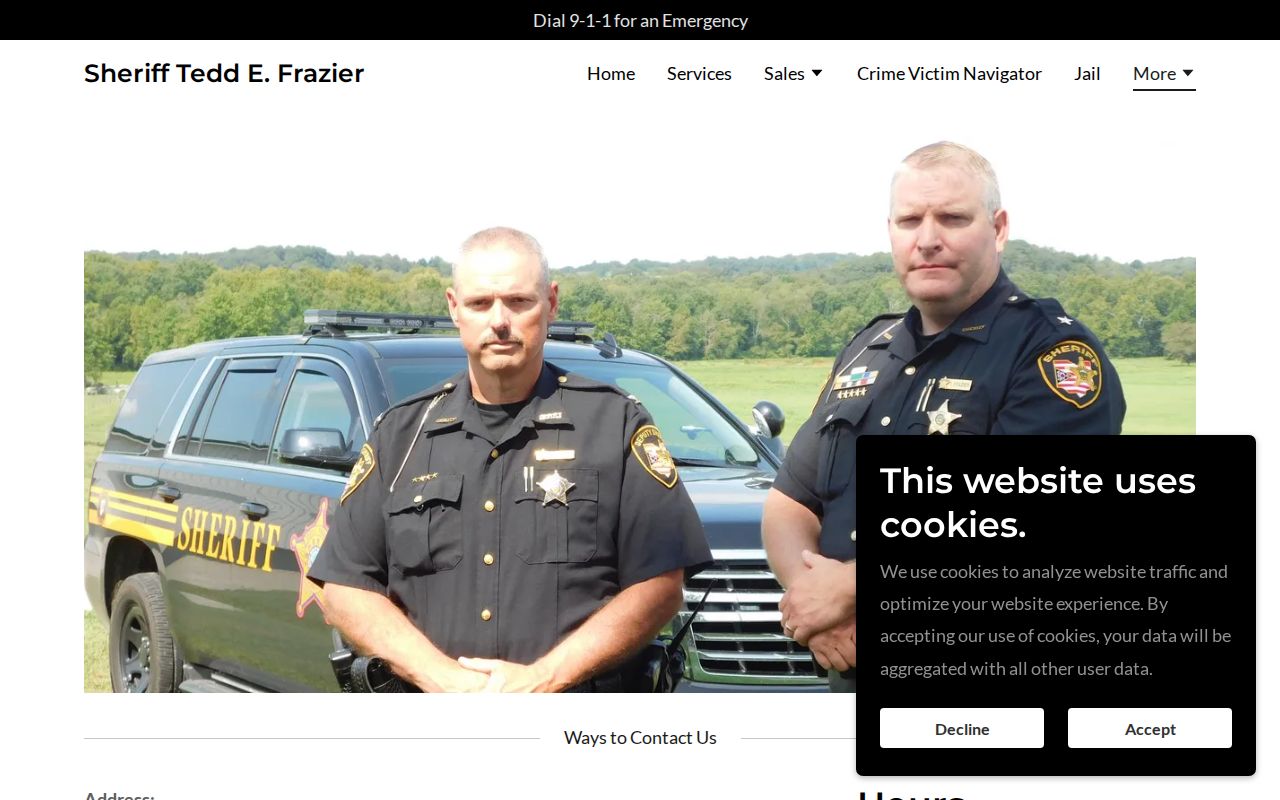
Use this screen when a Jackson County VINE result is late, missing, or unclear.
Verify Jackson County Alerts
Fresh custody data can lag behind an actual arrest. Jackson County posts no verified public web roster. There is no timestamped booking table for same-day arrests. The county also states no VINE update schedule. A 2023 JCSO app announcement touted a Jail feature listing people in custody, but its publisher and data behavior deserve a closer look before anyone relies on it. For the gap between arrest time, booking time, and public posting time, the county's Daily Arrest Report instructions lay out the reasons. Call JCCF at 740-288-1338 with a current-custody question. Need an old booking sheet or report? The JCSO public-records route handles those requests. Released people drop off current-custody lists, yet the agency and court still hold the record. Court files then track the case through its outcome. Note: JCSO promises no set VINE refresh interval, so confirm directly when timing or safety matters.
Custody Systems Beyond VINELink
Ohio never presents VINE as a federal or immigration locator. The tool tracks jail custody, and that is where its reach ends. A state-prison sentence calls for the ODRC Offender Search. That tool covers prison terms and supervision across Ohio but not a fresh JCCF booking. Federal time is different. The Federal Bureau of Prisons locator answers that. Meanwhile, ICE and CBP detention require the separate ICE locator. One empty result tells you nothing about what another system holds.
- Booking
- The intake process that records identity, charges, and custody information.
- Transfer
- A move from one facility or custody system to another.
- Disposition
- The court's recorded outcome, not the initial booking charge.
- Notification
- An automated message about a covered custody event.
Match each question to the system that owns it. JCCF covers present county custody, and the originating police agency holds its own arrest report. ODRC speaks for state imprisonment or supervision. Case outcomes live on the court docket.
When Jackson County Alerts Differ
Jackson County runs several alert channels, and none of them does another's job. Ohio VINE handles custody events. JCSO's Nixle channel relays public-safety material like incident awareness and road closures, though the sheriff does not call it a booking feed. An older Sheriff's App release listed emergency notices, a jail current-custody feature, Most Wanted information, tips, and contact links. No channel among them replaces the court docket.
That split defines the county's notification angle. Search VINELink first. Register only when a sound match appears, then verify the arrest locally through JCCF. Anyone needing case status or help obtaining an incident report can also use the JCSO Crime Victim Navigator. Use each channel for its own event.